AI Chatbot Without Sign Up
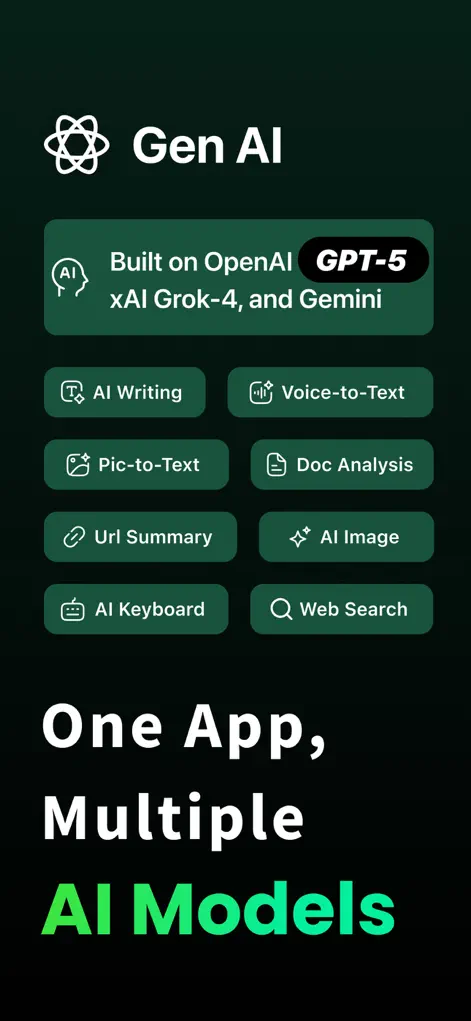
Need to ask an AI chatbot a quick question but hate filling out registrations? GenAI Chatbot gives you instant access to state-of-the-art AI models, including ChatGPT (GPT-4) and Grok AI, completely without sign up. Download, open, and start chatting immediately.
Why chat without signup is better
Most AI tools force you into an email signup flow, which leads to spam and wastes time when you just need a fast answer. GenAI operates with zero forced registration. You get professional-grade responses for essay writing, recipe ideas, coding assistance, and language translations instantly. Because there is no central account, your history is kept private and secure right on your own device.
Step-by-Step: AI Chatbot Without Sign Up
- Download and open the app. Get GenAI from the App Store and launch it. There is no splash screen demanding login credentials.
- Select your AI model. Choose the specialized AI engine that fits your task, such as GPT-4 for coding or Grok AI for trending questions.
- Type or speak your query. Input your question using standard text or tap the microphone to use voice interaction for hands-free replies.
- Review the accurate response. Get lightning-fast, high-quality answers. Copy, share, or follow up with additional prompts seamlessly.
What a no-account chatbot is good for, and where to be careful
Skipping registration makes the most sense for quick, self-contained questions: checking a word's meaning, drafting a short email, getting a recipe idea, or asking how a piece of code works. You open GenAI, type, and read the answer without an inbox confirmation step in the way.
The answers still come from AI models, and AI models can be wrong while sounding sure of themselves. For anything with consequences, such as medication doses, legal deadlines, tax rules, or figures you plan to quote, treat the reply as a starting point and confirm it with an official or primary source.
Not needing an account also does not mean you should type anything at all. Keep passwords, card numbers, ID numbers, and other people's private details out of your prompts, the same way you would with any online service. If a question involves sensitive data, describe the situation in general terms instead.
Getting a useful answer on the first try
Short prompts get generic replies. A few extra details about who the answer is for and what shape you want it in usually matter more than which model you pick.
- Say the format you want: a bullet list, a three-sentence summary, a table, or a numbered set of steps.
- Give context the AI cannot guess, such as your level of experience, the audience, or a word limit.
- Ask one thing at a time, then follow up in the same chat rather than starting over, so the earlier context carries forward.
- If an answer looks off, ask the chatbot to explain its reasoning or switch to another model and compare.
- Use the prompt library when you are not sure how to phrase a writing task like an essay, a tweet, or a LinkedIn post.
Start Chatting with AI
GenAI is free to download on the App Store. Ask questions, generate images, or enable the smart keyboard instantly.
⬇ Download GenAI AppFrequently Asked Questions
Is it really free to chat without signing up?
Yes, you can start talking to the chatbot immediately without creating any account or signing in.
Which AI models power the chat?
The app integrates GPT-5, GPT-4, Grok AI, and Google Gemini for versatile and accurate conversations.
Is my chat history private?
Absolutely. Because you don't sign up, your logs are saved locally on your device rather than on a remote database.
GenAI is an AI-powered assistant. Information generated by the chatbot should be verified, and images or documents scanned should not contain confidential personal data.